
iPhone
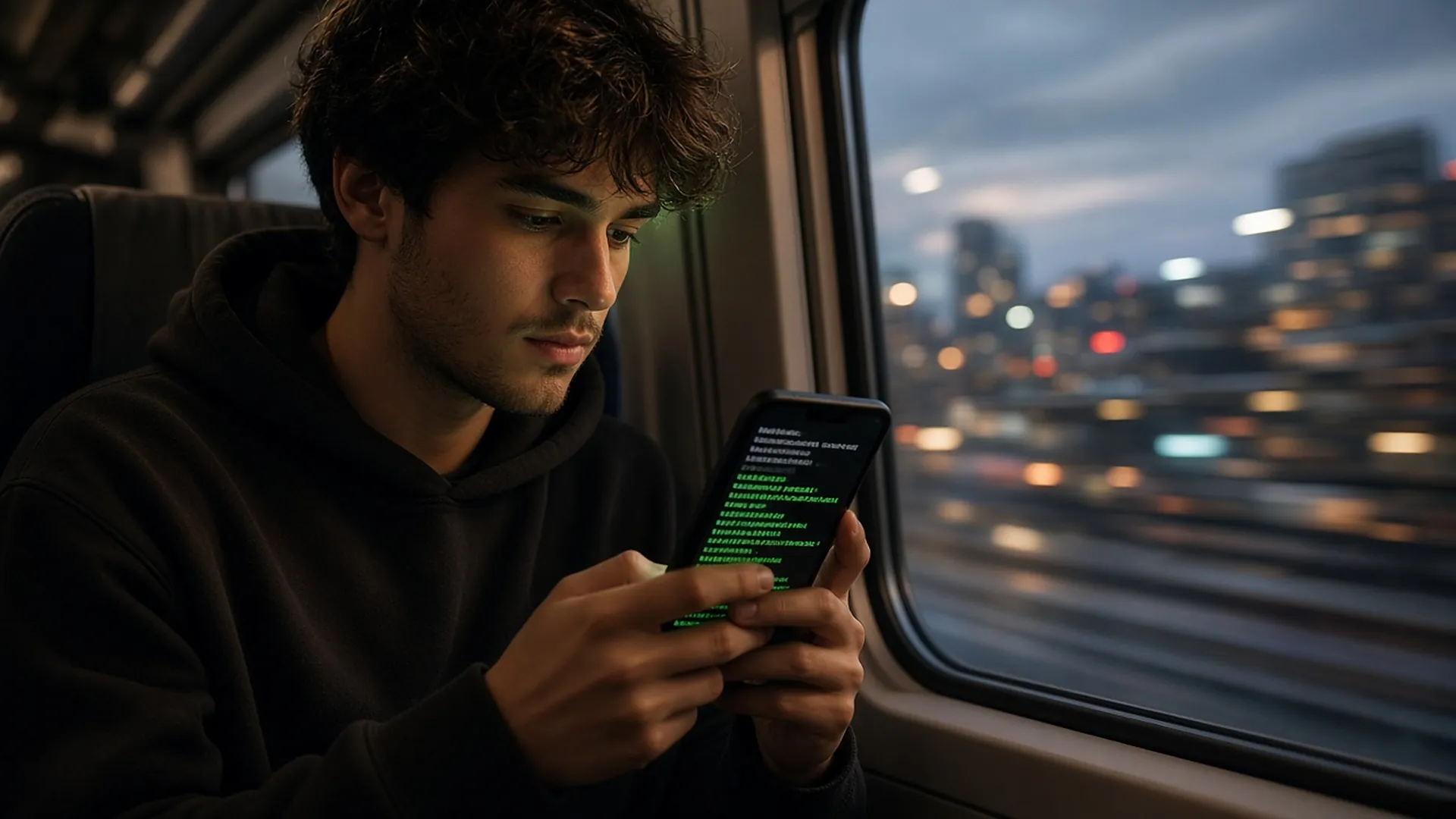
Reply to agents and check the desktop one-handed.
~/koko $ open koko
A remote desktop and AI coding client for iPhone and iPad. Scan to reach your computer and drive the whole desktop smoothly; your Cursor chats are mirrored natively, so you can reply, continue or start one from your phone.
Requires iOS 17 or later · iPhone / iPad
01 · Remote desktop
Pair any Mac, Windows or Linux machine running RunEverything with a QR scan. Hardware-decoded H.264 keeps it smooth and sharp — no public IP, no port forwarding.
02 · IDE chat
Not a remote screenshot — a real native chat. Markdown, code blocks and tool calls render cleanly. When the agent asks you something, answer from your phone; pick up an old conversation or start a new one.
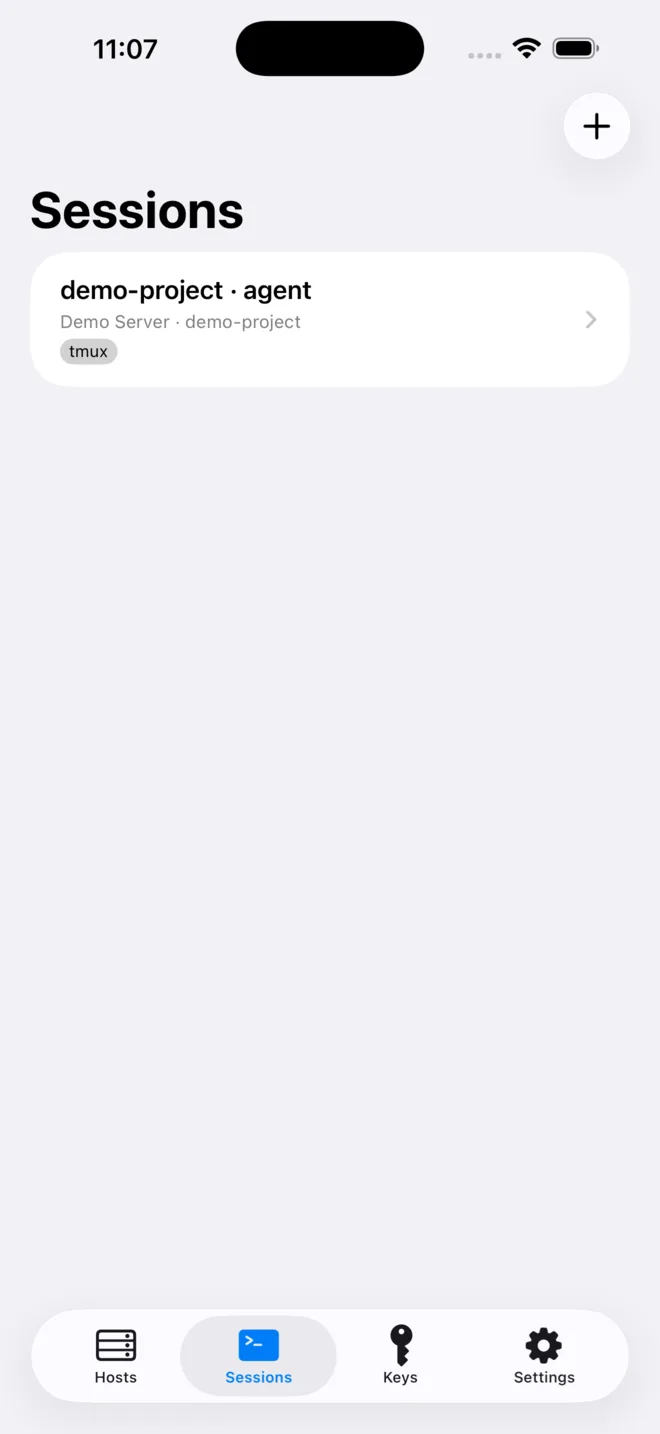
03 · SSH terminal
A real SSH PTY terminal built on SwiftTerm, straight into your own Linux servers. Claude Code, Codex and Gemini CLI live in screen sessions and Cursor uses agent persist — drop the connection and your session is still there.
One-tap agent CLI install on your server (with consent), OAuth link and device-code login help, and local scrollback for every session.
$ ssh dev@build-01
✓ Host key verified (ED25519)
$ screen -ls
  koko-claude-api   (Attached)
  koko-codex-web    (Detached)
$ screen -r koko-claude-api
claude › All tests pass. Open a PR?
Universal
Reply to agents and check the desktop one-handed.
A multi-column layout that feels like a portable workstation.
Unfold and it switches to a two-pane layout.
04 · Security
Remote desktop is encrypted end to end — relays see nothing.
One controller at a time; another device takes over only after you confirm.
Ed25519, ECDSA and RSA keys are generated on device and kept in the Keychain.
Confirm a host’s fingerprint once; every later connection is verified.
Download KoKo, install the free and open-source RunEverything on your computer, and scan to begin.